🗂
Tabbed editing
Keep a dozen throwaway buffers side by side. Paste, tinker, and switch between them in an instant.
🎨
190+ languages
Syntax highlighting detected automatically from the file extension, or set by hand per tab.
🔍
Find & replace across tabs
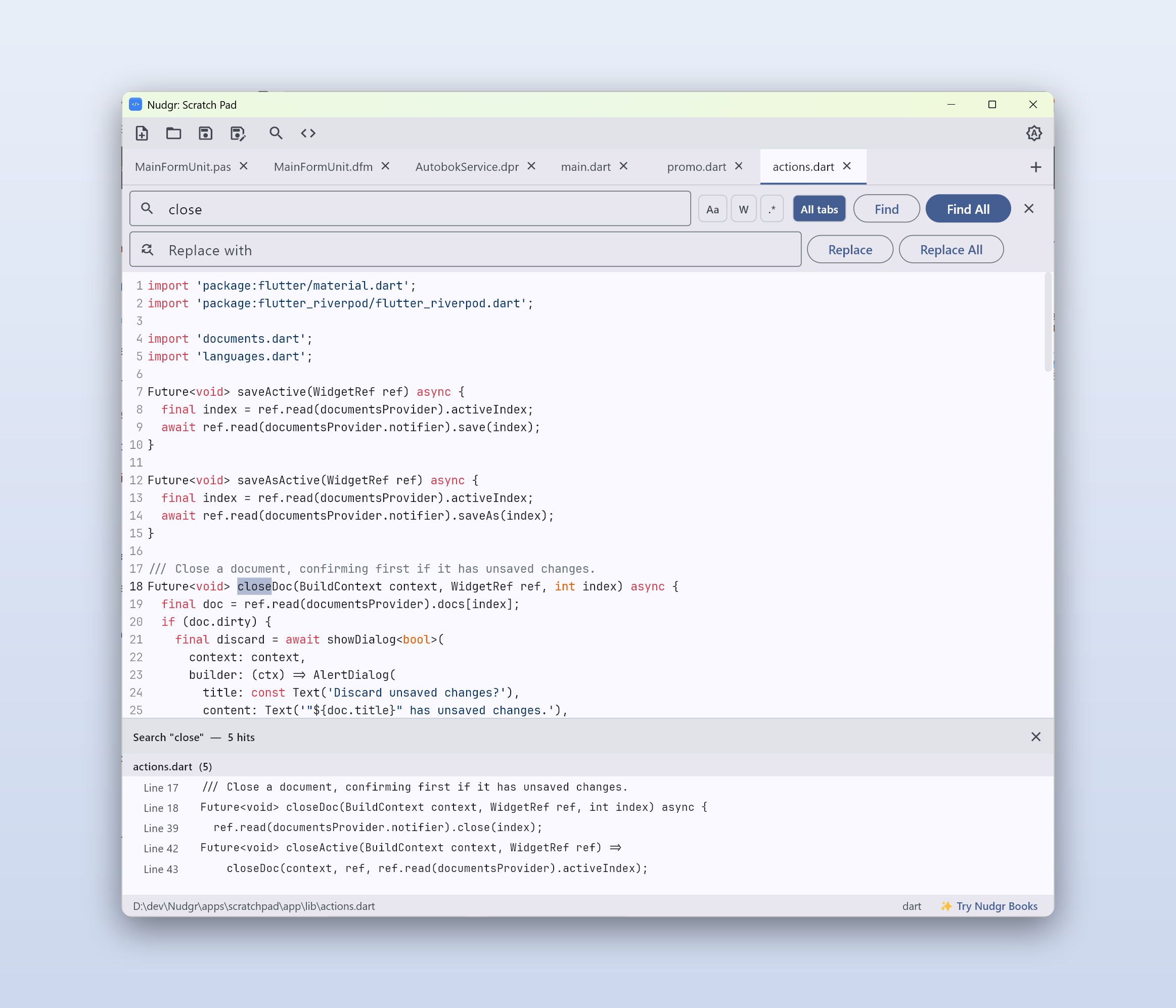
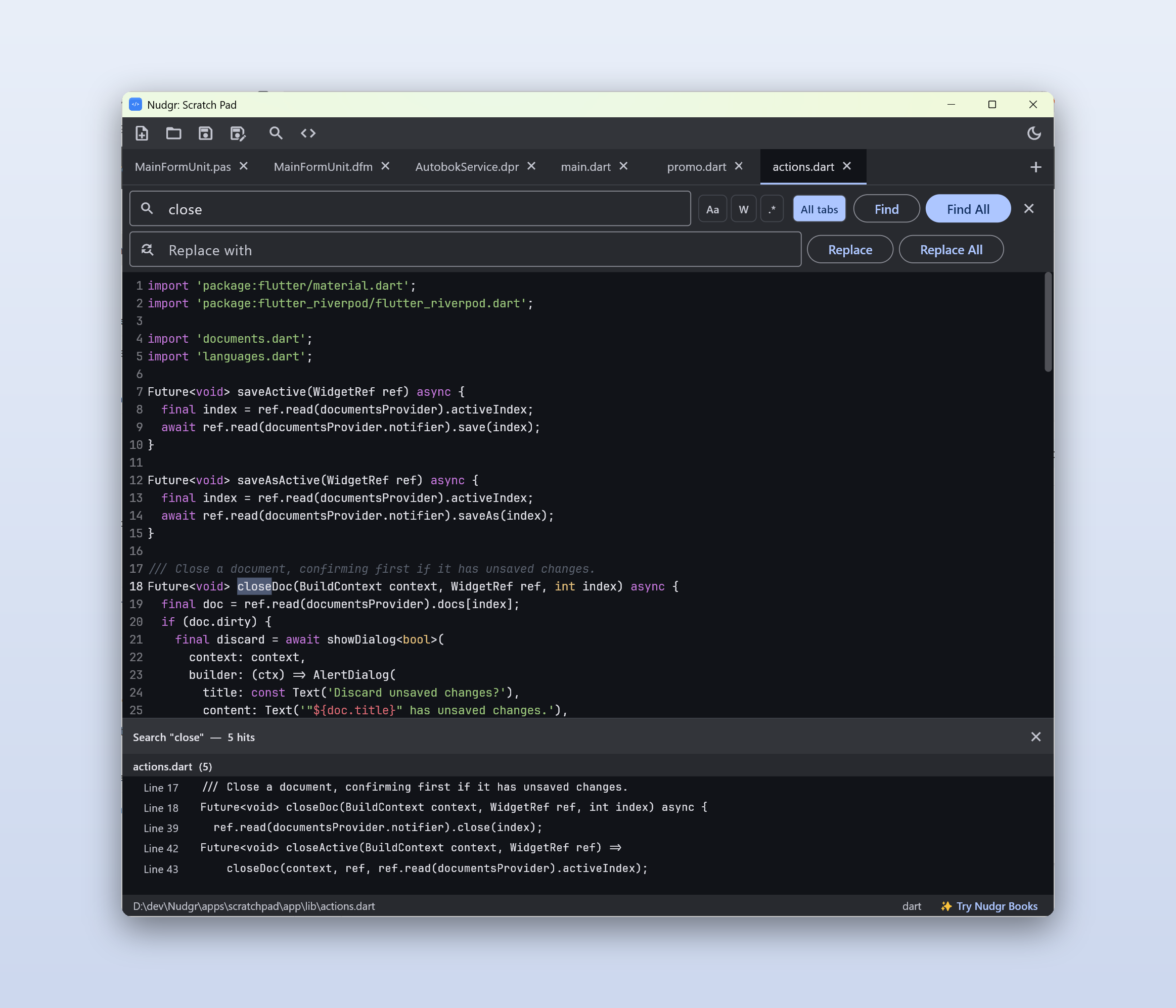
Search every open tab at once with a Notepad++-style results panel — click any hit to jump straight to it.
💾
Session restore
Close with unsaved, unnamed tabs and they're right where you left them next time. Nothing is lost to a crash or restart.
📁
Real files, when you want them
Open and save real files, drag files in to open them, or just scribble and let session restore hold it for you.
🌙
Light & dark themes
A crisp JetBrains Mono type face and a window that remembers its size and position.
🔒
Fully offline
No account, no cloud, no telemetry. Your files and notes never leave your computer.
🖥
Windows & macOS
A native, lightweight desktop app that starts in an instant and stays out of your way.